Turn a photo of a floor plan into an editable plan
Upload a photo of any floor plan. Get walls you can edit, real sizes and a 3D model.
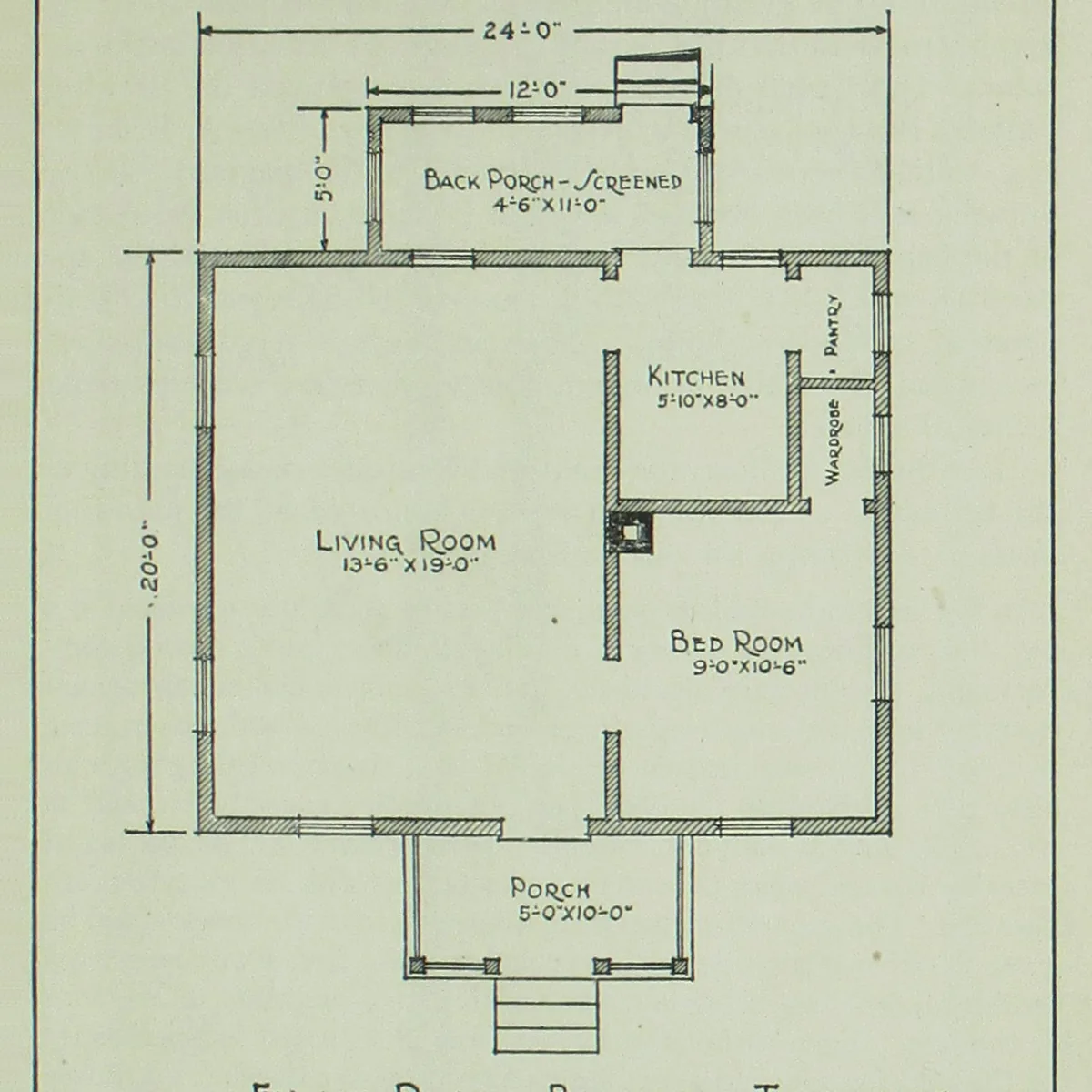
Drawing
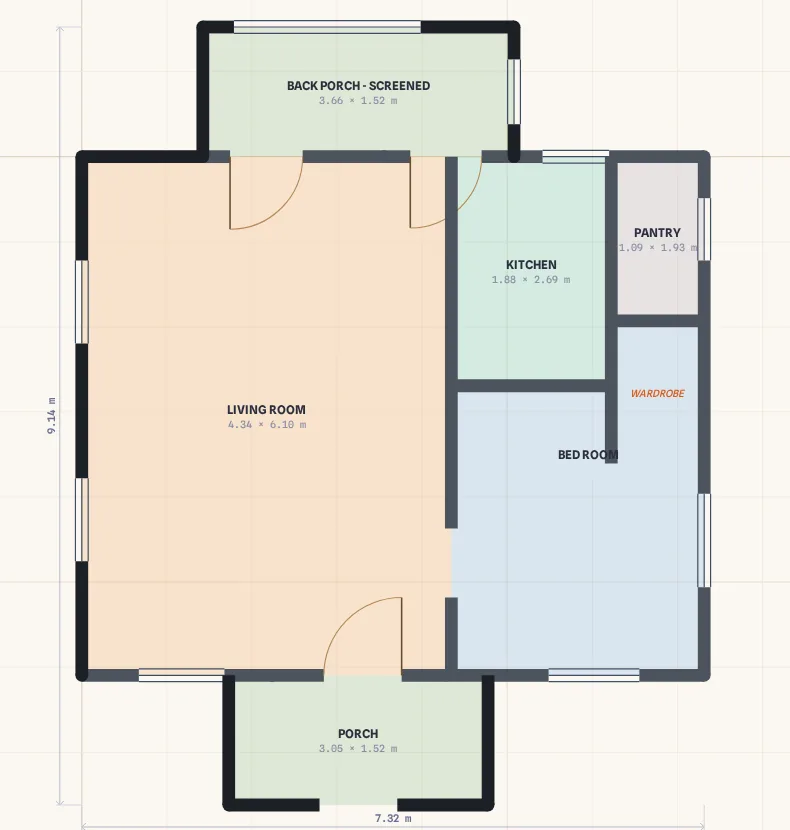
Editable plan
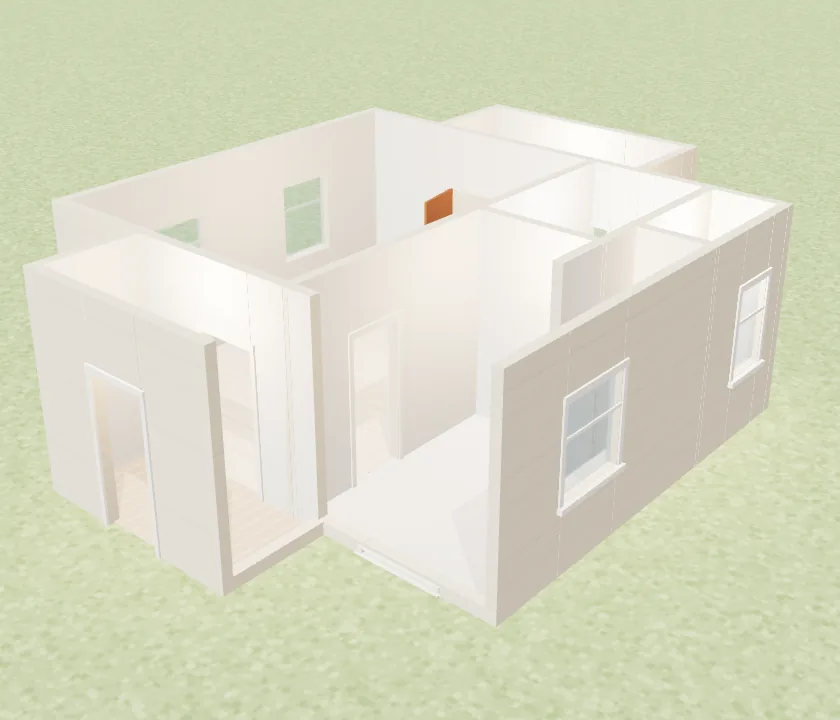
3D model
Drop a floor plan here
Photo, PDF, DXF or SVG · free, no sign-up
Or try a sample:
What you get
- Walls, doors and windows you can drag and resize
- Rooms with their names and areas
- A 3D model, and DXF, PDF and PNG exports
Good to know
- A straight-on photo in good light reads best.
- A busy plan can come back with a wall to fix.
Questions
Is it free?+
Your first conversion is free with no account. A free account gets 3 credits every month; a credit converts one drawing. PDF and PNG exports carry a small Planel mark on the free plan, and a DXF costs 1 credit. Pro includes 100 credits a month and every export without the mark.
Does it keep the real sizes?+
Yes, when sizes are written on the drawing. Planel reads them and builds the walls to them. If the numbers have no unit mark it picks the unit they must be in and asks you to check one size. A drawing with no sizes comes in at its own proportions, and you type its real width once.
Can I fix what it got wrong?+
Yes. Every wall, door and window is editable: drag a wall end, type a length, add a door. Rooms reshape themselves as the walls change, and the 3D model follows.